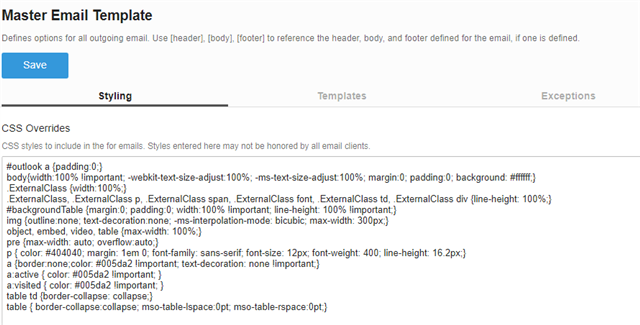
Is there any way we can add styles in "Master Email Template" under "Styling" which will only apply to footer section tags/elements?
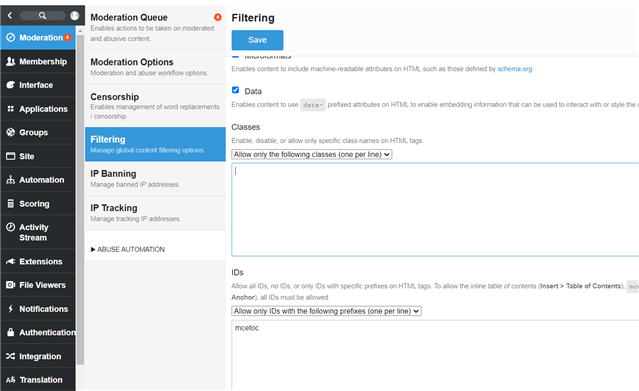
Satish Kumar (3sides) We have disabled the Fonts, Font sizes, Foreground colors, Backgrounds and Custom styles under "Administration" >> "Moderation" >> "Filtering" >> "Formatting". So even if we add style for "<td>" like "<td style='color: red'>" it automatically removes the style once saved in the source code.
Then you could try adding an allowed classes or id , for which you can add css , But be arware that once you enable this users would also be able to do so from the source code.