Role to view content only for a private group

For a private group can we create a role which only have access to view the content (should not be able to create/edit/delete content for any application in the group). The member role and manager role associated with the group should not be impacted. If so please share the steps.

  • Hi  

    You can create a custom site role and assign that role’s permissions to a group without granting users the ability to create, edit, or delete content — but you do need to be very careful about which permissions are enabled or disabled.

    It’s also important to note that permissions in Verint are additive. For example, if you go to the group, select Members, click Add, and then add the site role while also adding those users as standard group members, any existing general member permissions configured for that group will also apply to those users.

    The best approach for granting more exclusive or controlled permissions is to:

    1. Create the custom site role.
    2. Add the appropriate users to that site role.
    3. Navigate to the group where you want to apply the permissions.
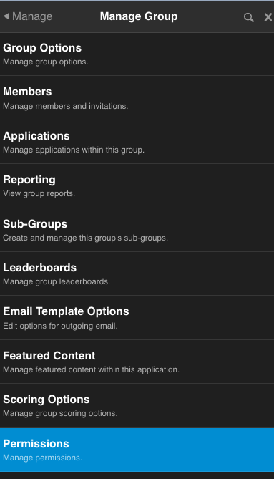
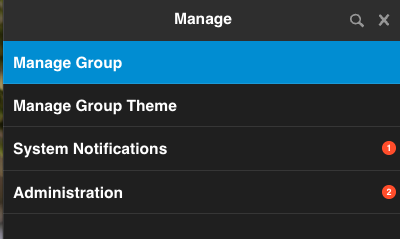
    4. Select the pencil icon → Manage GroupPermissionsSite Roles tab.
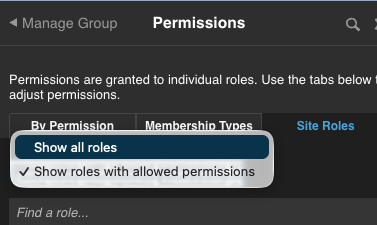
    5. Toggle Show All Roles.
    6. Locate the specific site role and configure only the permissions you want that role to have within that group.

    This method gives you much more granular control and helps prevent unintended permissions from being inherited through standard group membership.