Let's say I edit my user profile, and I want to embellish it with images and video:
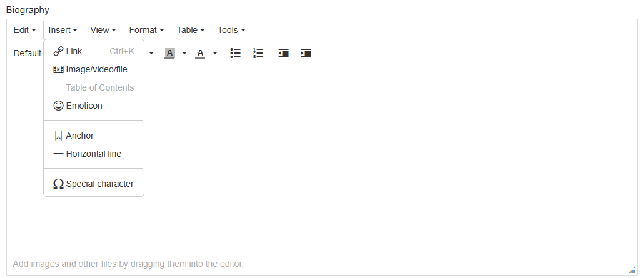
That image and video is then stored * somewhere *, and if I remove it from my biography, it's presumably still sat in that * somewhere *.
I'm unclear on how central file stores are organised, and it is already difficult to have a piece of inserted media like this and find what content it's embedded in, but also what's typically the opposite and how is this restricted or limited?
If this isn't already documented somewhere, it needs to be.
On our platform, I've decided to restrict this rich text editor for the sake of moderation, at present someone could insert an image, file or video, capture the download link, and remove the reference to it, but then distribute that link. That's just one example. It's a trade-off that members now cannot insert such content and it's now simply plain text, but that also reduces opportunity for abuse.
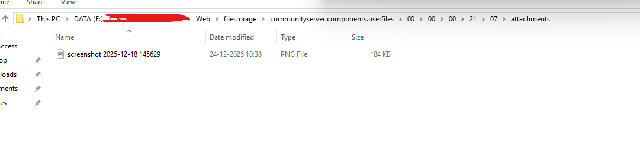
However, I'd like to be able to do a 'clean up' of anything inserted in this manner, and make sure that user accounts that have uploaded illicit and inappropriate content to their profile is cleaned up. So for that, I need to know where to look if it's different to groups, and to ensure those stores are included in any appropriate scans.
Does this also differ if you're on AWS versus Azure, etc?