


As I've been spending more time exploring Version 14, one of the areas that has stood out to me is the overall improvement to the administrative user experience. While many of the enhancements may seem incremental on the surface, several of the updated interfaces feel much more modern, intuitive, and efficient for day-to-day administration.
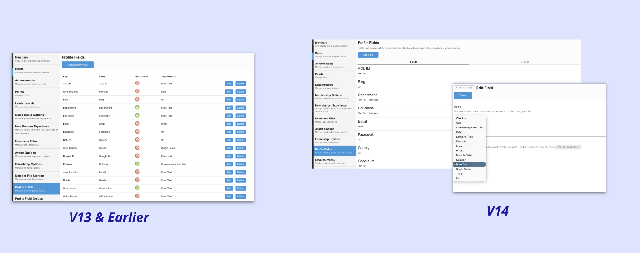
In particular, I've been impressed with the changes to Profile Fields and Site > Fields management. These areas are significantly easier to work with than in previous versions. The organization of settings, improved layouts, and overall usability make it much simpler to find what you're looking for and manage field configurations. Tasks that previously required a fair amount of clicking around or navigating between screens now feel much more streamlined.
Site Files:
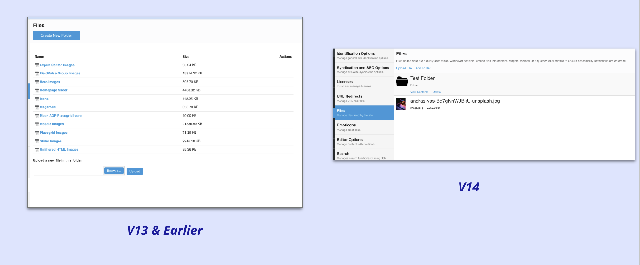
Profile Fields & Groups:
These types of improvements are especially valuable because they reduce administrative friction and make the platform easier for both new and experienced administrators to manage. While UI enhancements don't always receive the same attention as major new features, they can have a meaningful impact on productivity and the overall administrator experience.
I'm continuing to review Version 14 and identify some of the more notable changes across the platform. Over the next week or so, I'll be putting together a PowerPoint summary highlighting some of the larger UI updates and enhancements that I've come across and will be happy to share it with the group once it's complete.
