


Verint Community allows you to block specific IP addresses or a range of IP addresses with the IP banning functionality. You can also give these same IP addresses access again by removing them from the ban list.
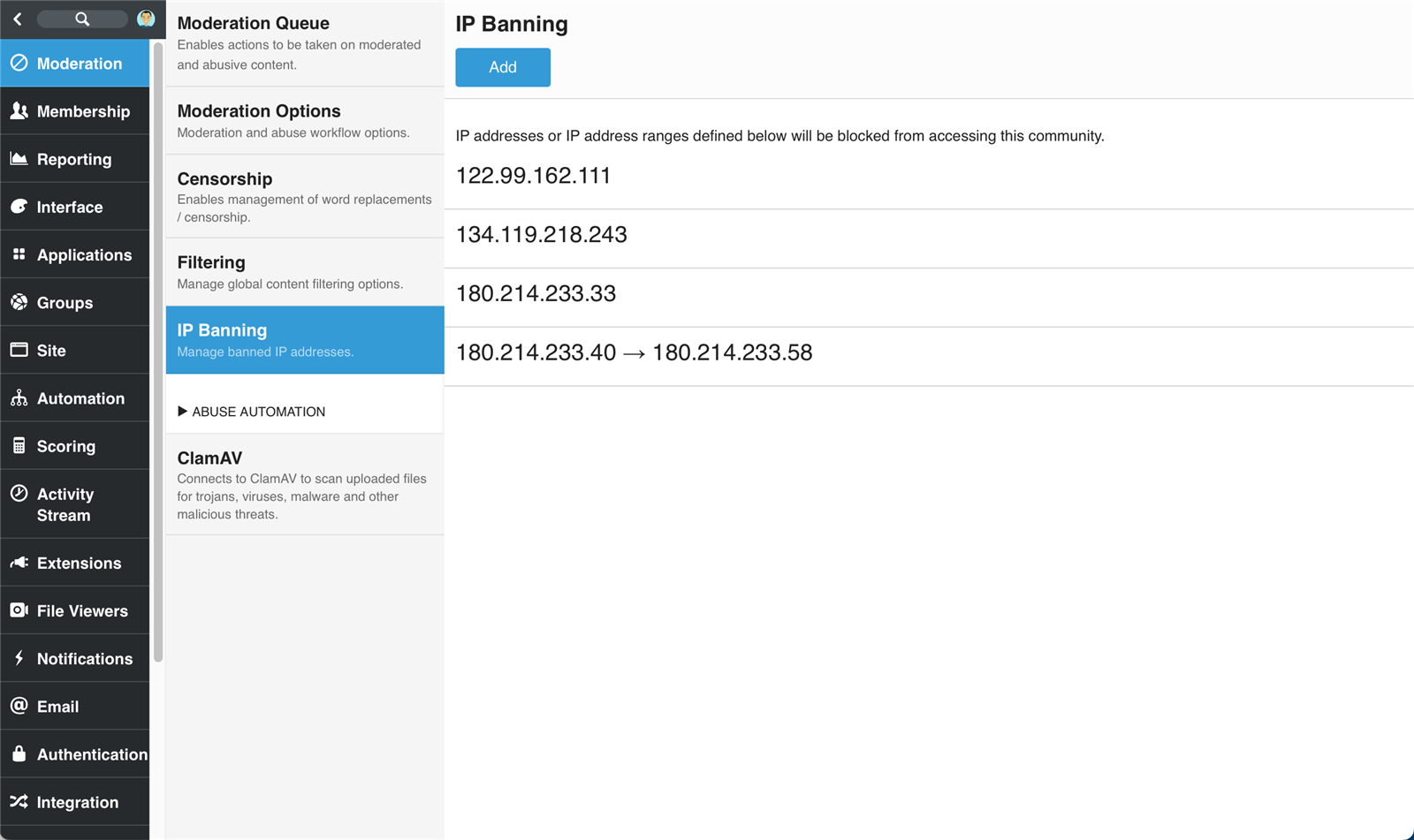
Ban an IP Address
- Go to Administration > Moderation > IP Banning and click Add.
- To ban one IP address from accessing the community, add a banned IP Address without an End IP Address.
- To ban a range of IP addresses from accessing the community, add the starting IP address value in the IP Address field, then the ending IP address value in the End IP Address field.
- Click Save.
Remove a banned IP Address or Range
- Go to Administration > Moderation > IP Banning.
- Find and expand the IP address or range you want to remove from banning.
- Click the Delete option associated with the IP address or range.