


When configuring single sign-on or editing the sign-in page or sign-in widget, a misconfiguration can prevent signing into a Community. In such situations, the emergency sign-in page can be used.
The emergency sign-in page provides provides a way to sign into a Community as a member with Manage Settings permissions using the email address of the member account and the emergency access key.
Enabling Emergency Sign In
The emergency sign in page is only available if the EmergencyLoginKey is set in Environment Configuration in the Core section. When set, the emergency sign in page is available at /emergency/login
Using the Emergency Sign In Page
To access a Community when the normal authentication system is misconfigured or unavailable and the emergency sign in page is enabled, go to /emergency/login to start the emergency sign in process:
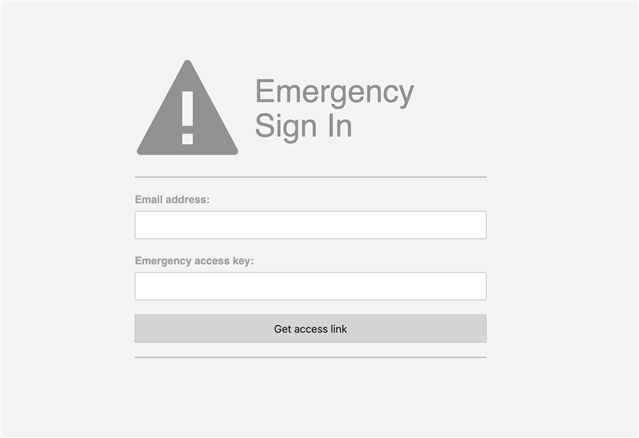
- Enter the email address associated to a member account with Manage Settings permissions.
- Provide the emergency access key (defined in
EmergencyLoginKeyin Environment Configuration ). - Click Get access link.
- If the email address and access key are valid, an email will be sent to the address provided with a one-time-use URL to login as the requested user. The link can only be used once and can only be used within 10 minutes of the URL being generated. Click the link to access the Community.