


Search is a key mechanism that members of your community will use to locate content that they are interested in. You must install and configure search for your community.
Re-indexing
Community uses a powerful search engine to furnish search results for content and conversations within the community. The search instance is self-updating and will add and remove content as it changes on your site. The search results are trimmed based on the user's roles. If for some reason the index becomes corrupt or has invalid data, you can manually delete and re-index the content on the site.
The primary reason for re-index your site would be if the search results are not the expected results or they have data that is not correct.
Reasons this may occur:
- Corruption of current data when indexing the site
- Requirement to update the version of the search components
- Failure to synchronize permissions to the search index
- Search indexing tasks fail to update the search index
Reset the index
There are two approaches to recreate the search index: Using the UI and by manually deleting the data.
Using the UI
- Go to Administration > Site > Search and select the Include tab.
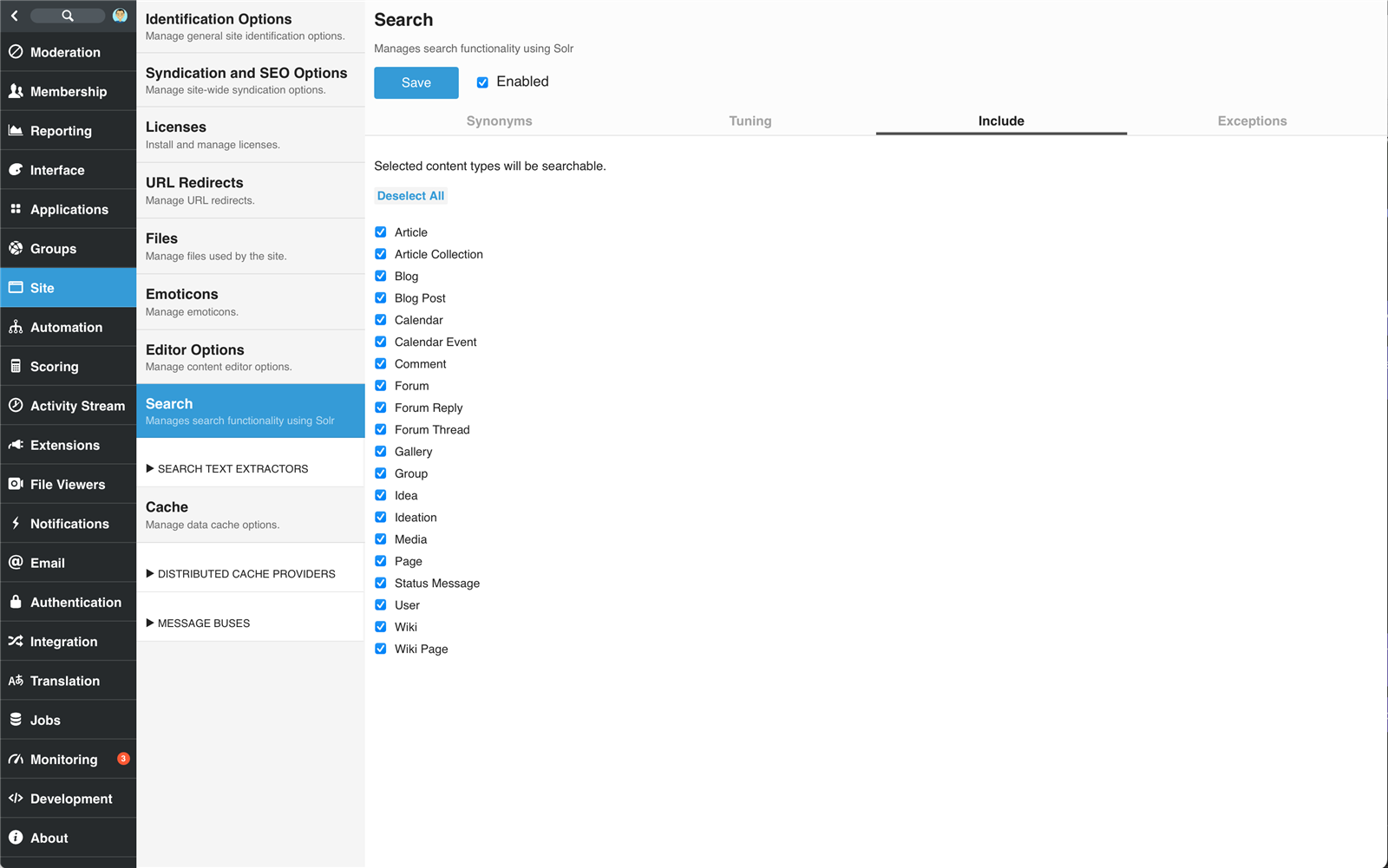
- Click Deselect All to deselect all indexable content types.
- Click Save to apply the changes. This will immediately delete the existing search index for content.
- Click Select All to select all indexable content types (or a subset if you weren't previously indexing all content types).
- Click Save to apply the changes. This will flag all content for reindexing. Reindexing may take some time depending on the about of content that you have.
Manually Deleting the Data
This approach requires access to stop/start containers and manage the host server.
- Stop the search container.
- Delete the contents of the volume mapped to
/var/solr/data - Start the search container. Community will identify the empty index and reindex all content and conversations.